How Many Redirects is Too Many for One URL?
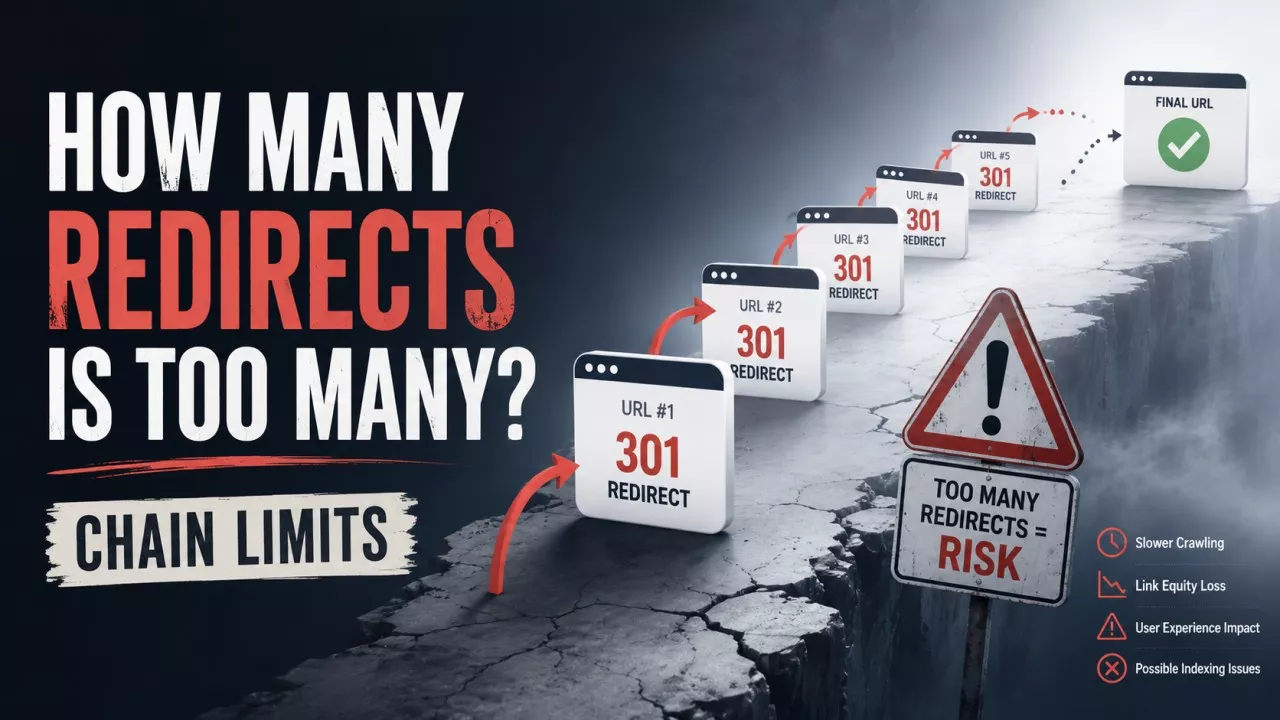
Too many redirects starts at about four hops. Google’s crawlers follow up to 10 redirect hops before they give up, but Google’s own site move guide asks you to keep a chain under five and ideally no higher than three. Past that, browsers and crawlers start abandoning the request.
Knowing the number is the easy part. Whether your particular chain is worth an afternoon is the question your audit tool refuses to answer, because it flags every chain in the same shade of red. A three-hop path to a post nobody links to is housekeeping. A loop on your home page is on fire. Most of the confusion lives in the gap between those two.
What actually counts as a redirect chain?
A redirect chain is any path where a URL redirects to a second URL that redirects again, so a visitor passes through at least one intermediate stop before reaching a page that answers 200.
One redirect is not a chain. An old post sending readers straight to its replacement is a single hop, it is exactly what redirects exist for, and nothing should be shouting about it. The chain starts at hop two. A loop is different again: /a points at /b, /b points back at /a, and nothing ever resolves, which is what produces ERR_TOO_MANY_REDIRECTS in Chrome.
How many redirects will Google follow before it gives up?
Ten. Google’s documentation on HTTP status codes states that its crawlers follow up to 10 redirect hops by default, and that individual Google products may set lower limits of their own.
Ten is the ceiling, not the target. The site move guide asks you to redirect to the final destination directly, and where that is genuinely impossible, to keep the chain to no more than three and fewer than five. Two numbers, two different jobs: 10 is where Googlebot stops, 3 is where Google stops recommending.
Browsers set their own limits, and they do not publish them consistently. A chain Googlebot walks happily can still fail for a visitor on an old phone.
Does a redirect chain drain your link equity?
No, and this is the reason most people give for fixing chains.
The 15% figure everyone repeats comes from the damping factor in the original PageRank algorithm, where 0.85 modelled the chance a reader follows another link instead of wandering off. Matt Cutts said in 2013 that a 301 dissipated PageRank the same way an ordinary link did, SEOs did the arithmetic, and the number entered the folklore. Gary Illyes of Google then put it flatly in July 2016: 30x redirects do not lose PageRank, as Search Engine Land reported at the time.
So drop the equity argument. What a chain really costs you is time, reliability and clarity about which URL you meant, and those three are plenty.
Does it matter whether the hops are 301 or 302?
Yes, and the last hop matters most. Google treats 301 and 308 as a strong signal that the destination should be the canonical URL, while 302 and 307 are followed but count as a weak one.
A chain that finishes on a temporary redirect leaves Google holding two candidate URLs and no firm instruction about which to index. That is one way a page ends up reported under a URL you never chose. Whatever the hops are, Google ignores any content the redirecting URLs return and processes only the final target, so the page that matters is the one at the end of the path.
If the final URL is the one you expected and Search Console still reports a different one, look at what that page says about itself. The Canonical Tag Checker reads up to 10 URLs and shows the exact canonical each declares, which is usually where a redirect and a self-referencing canonical turn out to disagree.
Why does a small site end up with three hops it never set up?
Because the rules stack, and each rule only knows about its own job.
Take a link to http://example.com/post. The HTTPS rule sends it to https://example.com/post. The www rule sends that to https://www.example.com/post. The trailing-slash rule sends that to https://www.example.com/post/. Nobody sat down and built a three-hop redirect. Three separate one-line rules ran in sequence, and every one of them is a real network round trip that a visitor waits through.
Put a CDN in front and it compounds. Cloudflare in Flexible SSL mode talks to your origin over plain HTTP while the visitor sits on HTTPS, so an origin that forces HTTPS bounces the request straight back, and the two argue until the browser quits. That is the classic ERR_TOO_MANY_REDIRECTS the day after someone switches on a free certificate, and the fix belongs in the CDN settings rather than your .htaccess.
What does a Redirect error in Search Console mean?
It means Googlebot tried to crawl the URL and never arrived at a page, and Google lists 4 causes for it.
- A chain that was too long - More hops than the crawler is willing to follow.
- A redirect loop - Two or more URLs pointing at each other with no ending.
- A URL that exceeded the maximum length - Usually a rule appending a parameter on every pass.
- A bad or empty URL in the chain - One broken hop ends the whole path.
The report gives you the label and the starting URL. It does not tell you which hop broke, which is the genuinely annoying part, so you are left to walk the path yourself and find the step that failed.
Do redirect chains waste your crawl budget?
Almost certainly not on a site your size. Google’s crawl budget guide is written for sites over a million pages, or over ten thousand pages that change daily, and it says plainly that if your pages get crawled the same day you publish them you do not need to read it.
That same guide also tells you to avoid long redirect chains, which is where the mixed message comes from. Both statements are true at once. Chains are worth avoiding on any site, but on a 40-page blog the reason is not a budget you were never spending in the first place.
Crawl budget is the argument audit tools reach for because it sounds expensive. Latency is the honest one.
Why does Chrome show a 307 you never configured?
Because HSTS makes the browser rewrite the URL before any request leaves your machine, and Chrome shows that rewrite as a redirect so you can see it happened.
Open DevTools on a site with HSTS enabled, type the http address, and a 307 Internal Redirect appears carrying a Non-Authoritative-Reason: HSTS header. No packet was sent. Your server did not produce it and Googlebot never sees it, so the chain in your network panel can read one hop longer than the chain that exists.
This catches people right after they fix something. You collapse the rules, reload, and the browser stubbornly shows the old count. Check from a server-side tool before deciding the fix did not work.
How do you find and fix a redirect chain?
Request the original URL from outside your browser, follow every hop, and record the status code at each step.
The Redirect Checker does exactly that, reporting the status and headers hop by hop and following meta refresh and JavaScript redirects alongside ordinary 3xx responses, so a redirect buried in a plugin shows up next to the ones in your server config.
Then work through it in this order:
- Collapse the chain to one hop - Point the first URL at the final destination and delete the rules in the middle.
- Combine your server rules - Handle protocol, host and trailing slash in one rule rather than three that fire in sequence.
- Update your own links - A link in your content that already points at the final URL costs a reader nothing at all.
- Sweep the rest of the site - The Bulk HTTP Status Code Checker takes up to 100 URLs and reports status, chain and total redirect count side by side.
- Leave the first redirect in place - Google asks for at least a year, so shorten the chain without deleting it.
Final Thoughts
Redirect chains are rarely why a page is not ranking. If you got here from an audit report carrying 40 warnings, this one belongs somewhere near the bottom of the list.
Fix the loops first, because those genuinely break. Then collapse anything over three hops on pages that earn traffic or carry links from other sites, and let the rest sit. The Redirect Checker will sort one group from the other in about a minute, and on most small sites the entire job turns out to be two lines in a config file.
Frequently Asked Questions
Google asks for at least a year, long enough for it to recrawl the old URLs and move the ranking signals across. From a visitor’s point of view there is no good reason to ever remove one. Old links, bookmarks and forwarded emails keep arriving for years after you stopped watching.
Not quite. A long chain does eventually reach a real page, just slowly. A loop never reaches one, because two URLs point at each other forever. Browsers stop after a set number of attempts and show an error, and Search Console files both under the same Redirect error label.
Usually, yes. Most chains on small sites come from a plugin, a CDN dashboard or a CMS setting rather than a config file. Check your SSL mode, your permalink settings and any redirect plugin first, because those three account for the majority of stacked rules.
Only in what you can do about them. A backlink points wherever the other site chose, so the chain is yours to collapse at your end. An internal link you control outright, and repointing it at the final URL removes the hop for every visitor instead of merely shortening it.