Do Multiple H1 Tags Hurt Your SEO?
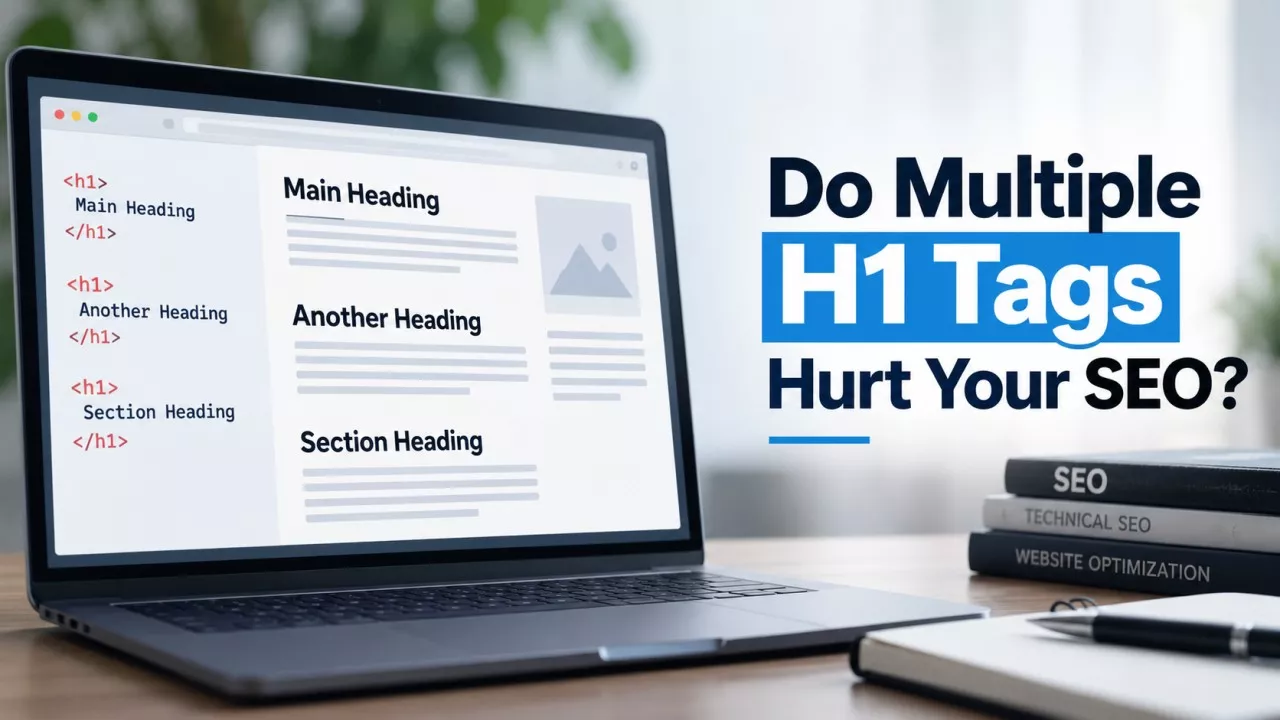
Multiple H1 tags do not hurt your SEO. Google’s own SEO documentation puts heading structure in the list of things it says you should not focus on, and states plainly that heading order does not matter to Google Search. Your audit tool is flagging a convention, not a ranking problem.
That is not what you were told. Nearly every crawler ships “Multiple H1” as a red or amber issue, forums are full of people rebuilding a theme header over it, and the advice usually arrives with the word penalty attached somewhere. Three things are worth separating here: what the tools measure, what Google has actually written down, and which heading problems on your site cost you something real.
Why does your SEO audit flag multiple H1 tags?
Audit tools flag multiple H1 tags because one H1 per page is an old HTML convention, not because Google published a rule. Crawlers ship a fixed list of checks, and “Multiple H1” sits in that list next to genuinely broken things like a missing canonical or a 500 response. The severity colour is the tool’s opinion. It is not a measurement of anything Google does.
The convention came from HTML4, where a document had a single top-level heading and everything nested beneath it. HTML5 added sectioning elements meant to let each section carry its own H1, and although browsers never implemented that outline algorithm, the idea stuck around long enough to make “one H1” genuinely arguable rather than settled. Meanwhile the crawlers kept the check. Nobody updated it because nobody had to.
What does Google’s documentation actually say about headings?
Google’s SEO Starter Guide lists heading structure under the things it believes you should not focus on. The guide says semantic heading order is excellent for screen readers, but that from Google Search’s perspective it does not matter if your headings run out of order, and that there is no ideal number of headings for a page.
Read where that sits, because it is more dismissive than most SEO blogs are willing to repeat. It is the same section that tells you the keywords meta tag is unused and that there is no minimum word count for ranking. Google is not calling headings a weak signal. It is saying the ordering and the counting of them are not things it grades you on.
Does skipping from H2 to H4 hurt your rankings?
Skipping from an H2 to an H4 does not hurt your rankings. If you have seen this flagged, check where the warning came from, because the wording Heading elements are not in a sequentially-descending order is a Lighthouse accessibility audit. Lighthouse has no ranking component at all. That finding gets filed under SEO because it appears in the same report as the performance score.
The accessibility case is also softer than it usually gets presented. W3C’s guidance on headings says skipped ranks can be confusing and should be avoided where possible, which is advice rather than a failure condition. It adds a case people forget: closing a subsection is allowed to skip. An H4 followed by an H2 is correct whenever that H2 opens a new top-level section.
Does a page need an H1 at all?
A page does not technically need an H1, and Google has been clear that a page can rank with none or with several. Leaving it out still gives up something for nothing. An H1 is the cheapest way to state what a page is about in the page’s own words, and it is one of the things Google falls back on when your title element is not usable.
The exception people trip over is a homepage. Plenty of well-built homepages have no obvious single heading, because the page is a set of panels rather than an article, and jamming a hidden H1 into it to satisfy a crawler is decoration aimed at a robot. Write one where the page has a real headline. Skip it where it does not.
Is the H1 the same thing as the title tag?
No. The H1 is a heading inside the page body, while the <title> element sits in the head and is what search results and browser tabs display. They address different readers, they are allowed to say different things, and editing one does not touch the other.
They connect in one direction that matters. Google’s title link documentation lists the sources it draws a search result title from, and heading elements such as the H1 are on that list, alongside the main visual title and other large, prominent text. When your title element is thin, duplicated across pages or missing, the H1 is one of the things Google reaches for instead.
That is the real argument for giving every page a specific H1. It buys no ranking bonus. It buys a better fallback, and the SERP Preview Tool will show you what Google is currently displaying for a page and where the text gets cut off.
If headings don’t affect rankings, why fix them at all?
Fix your headings because a screen reader user navigates your page through them. Most screen readers can pull up a list of every heading on a page and jump straight to one, which is the equivalent of you skimming down the page with your eyes. A page whose headings are decorative, or whose only H1 is the site logo, gives that reader nothing to jump to.
There is a second reason, and it is the one small sites feel. Headings written in the words a reader would actually use make a page scannable in a few seconds. Bad headings are not penalised. They are skipped, and so is the paragraph underneath them.
Which heading problems are actually worth your time?
There are 4 heading problems worth fixing on a small site, and the H1 count is not one of them:
- The same H1 on every page - Themes that wrap the site title or logo in an H1 give every page an identical main heading, so the one element Google might fall back on says nothing about the page.
- Headings built from styled text - A paragraph set to 28px and bold looks like a heading to you and is invisible to a screen reader, and to anything reading the outline.
- Empty headings - Page builders leave behind heading tags holding nothing but an icon or a spacer, which land in the outline as blank rows.
- Headings that describe nothing - “Introduction”, “More info” and “Section 2” are as useless to a reader skimming as they are to an answer engine hunting for a passage to quote.
The first is the common one, and you can settle it in about a minute. Open your homepage and any interior page and see whether the H1 changes. If a WordPress or Shopify theme is putting your brand name at the top of both, the fix usually lives in the theme settings, where the site title block can be output as a paragraph instead of a heading.
How do you check the heading structure on a page?
Check heading structure by pulling the full outline of a page rather than counting tags. The Heading Tag Checker takes a URL, fetches the page and lists every heading from H1 to H6 in document order with a count for each level, so you can step through the outline the way a screen reader would. The order tells you more than any single number in a report.
Two questions to ask of what comes back. Does an H1 exist, and does it describe this page rather than your business? Then: does the sequence read like an outline of the article, or like a list of design decisions? When the second one falls apart, your headings are doing a styling job instead of a structural one, and that is the thing to repair.
Final Thoughts
If the only heading finding in your audit is “multiple H1 tags”, close the report and spend the hour on something else. Google has written down that it does not grade heading order or heading count, and no amount of forum confidence outranks the documentation. Headings still deserve care, just for the reasons nobody puts in a red banner: a reader skimming for the part they came for, and a screen reader user trying to find it without one.